
Support
+91 8260329849
DigitalSell
Featured
0.0 (0)
Wiki Clone Project
Scripts Projects
1.0.0
49 Views
6 Downloads
₹151.00
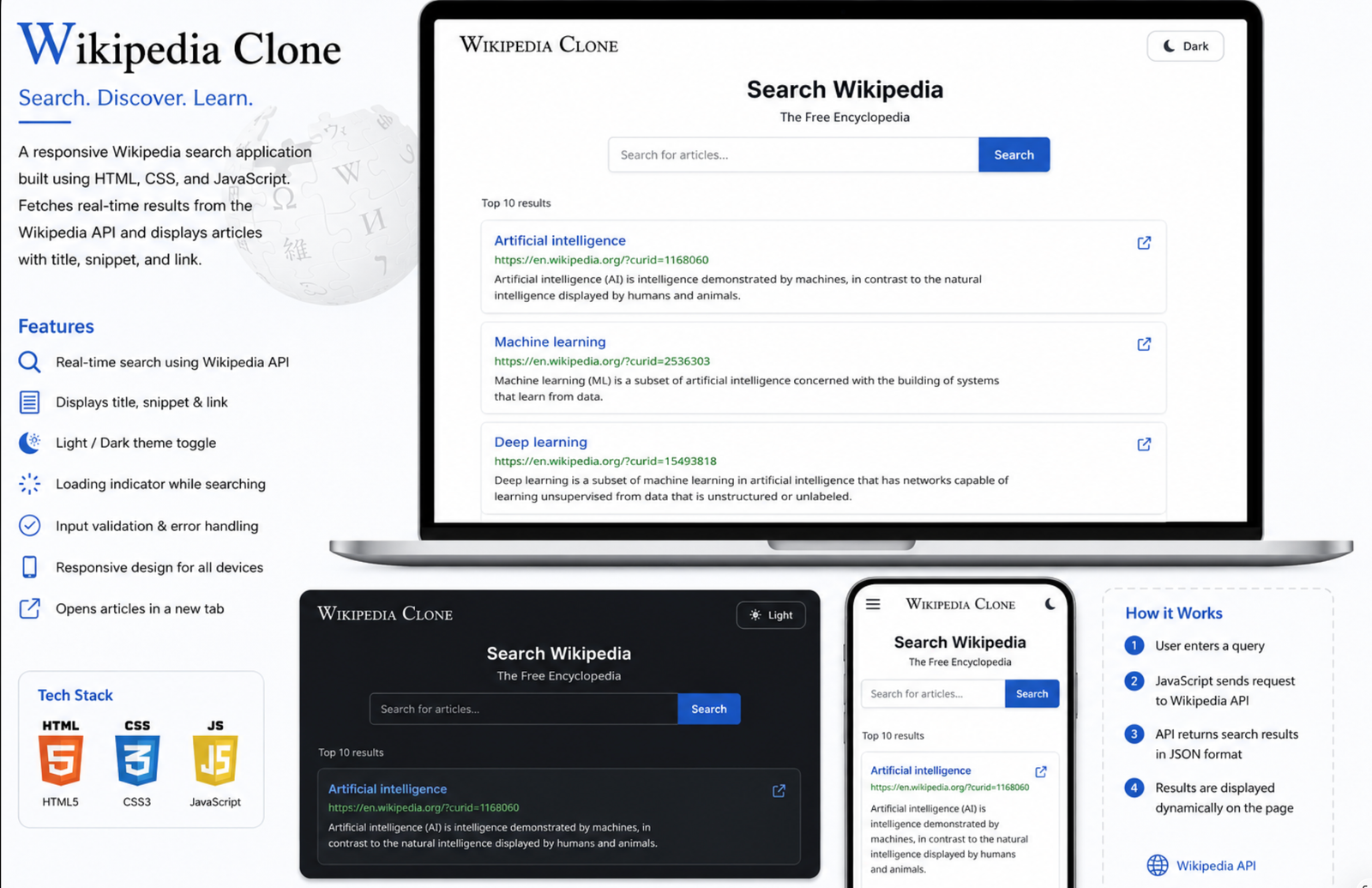
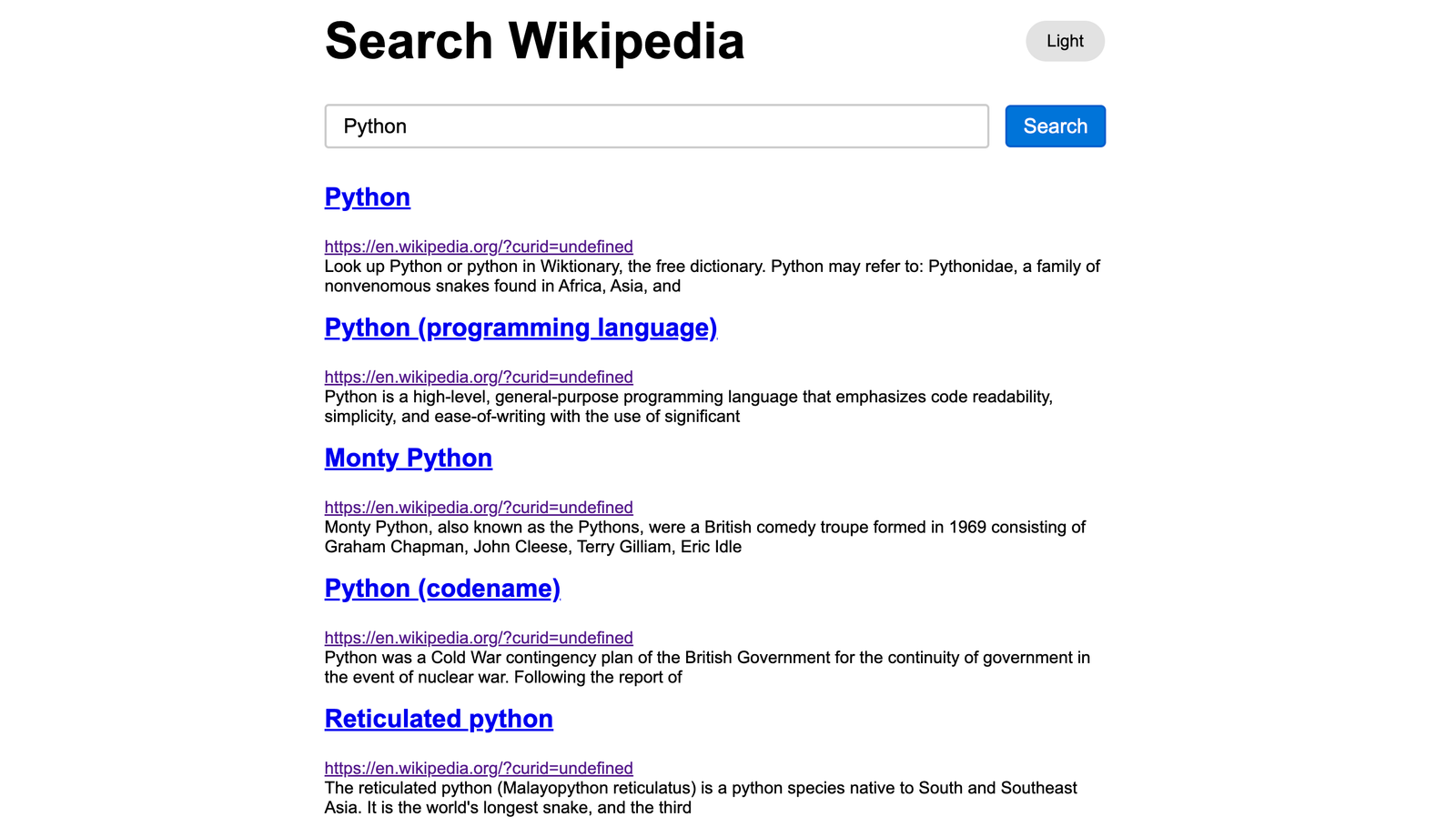
This is a Wikipedia Clone built using HTML, CSS, and JavaScript that allows users to search Wikipedia articles in real time. It fetches search results using the Wikipedia REST API, displays article titles, snippets, and links, and includes a light/dark theme toggle for an improved user experience.
24×7 Premium Support
Lifetime assistance from our expert support team.The Wikipedia Clone is a responsive web application that replicates the basic search functionality of Wikipedia. Users can enter any keyword into the search bar, and the application retrieves relevant articles directly from the Wikipedia Search API using JavaScript’s Fetch API and asynchronous programming (async/await). Search results are dynamically rendered on the page without requiring a page refresh, providing a fast and seamless user experience.
The project demonstrates how to integrate third-party APIs into a web application while handling asynchronous data requests, loading states, input validation, and error handling. Each search result displays the article title, a brief description (snippet), and a direct link to the corresponding Wikipedia page. Additionally, the application includes a light/dark theme switcher, allowing users to customize the interface according to their preference.
This project is ideal for learning API integration, DOM manipulation, event handling, asynchronous JavaScript, and responsive front-end development.
- HTML5 for creating the application structure.
- CSS3 for responsive layout and modern user interface styling.
- JavaScript (ES6+) for application logic and interactivity.
- Wikipedia Search API for retrieving live search results.
- Fetch API for making HTTP requests.
- Async/Await for handling asynchronous operations.
- DOM Manipulation to dynamically display search results.
- Event Listeners for form submission and theme switching.
- Input Validation to prevent empty searches.
- Error Handling using
try...catchblocks. - URL Encoding with
encodeURIComponent()for safe API requests. - Theme Toggle using CSS class switching.
- 🔍 Search Wikipedia articles in real time.
- 🌐 Fetches live data using the Wikipedia API.
- 📄 Displays article titles, snippets, and direct links.
- ⚡ Fast asynchronous search using Fetch API.
- 🎨 Light and Dark mode toggle.
- 📱 Responsive design for desktop and mobile devices.
- 🔄 Dynamic content updates without page reload.
- ⏳ Loading indicator while fetching search results.
- ❌ Handles invalid input and displays appropriate messages.
- 🚨 Error handling for failed API requests.
- 🔗 Opens articles in a new browser tab.
- 💻 Clean, modern, and user-friendly interface.
0
Based on 0 customer review(s)
No Reviews Yet
Be the first customer to review this product.
You May Also Like

Exam System
The Online Examination System is a PHP and MySQL-based web application that enables users to take online exam...
₹242.00
₹280.00
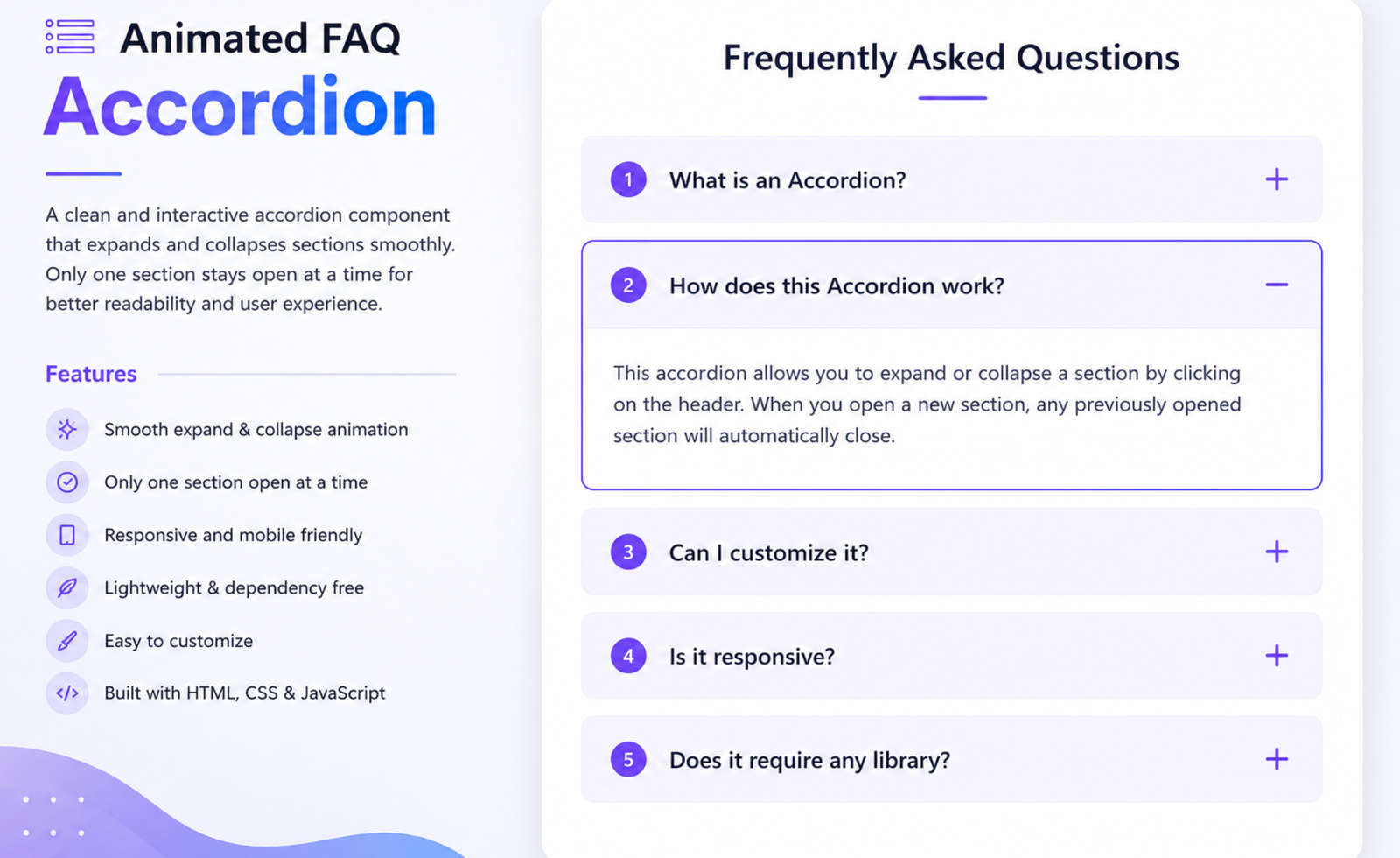
Animated FAQ Accordion
A responsive and interactive FAQ Accordion built with HTML, CSS, and JavaScript. It allows users to expand an...
₹125.00
₹140.00
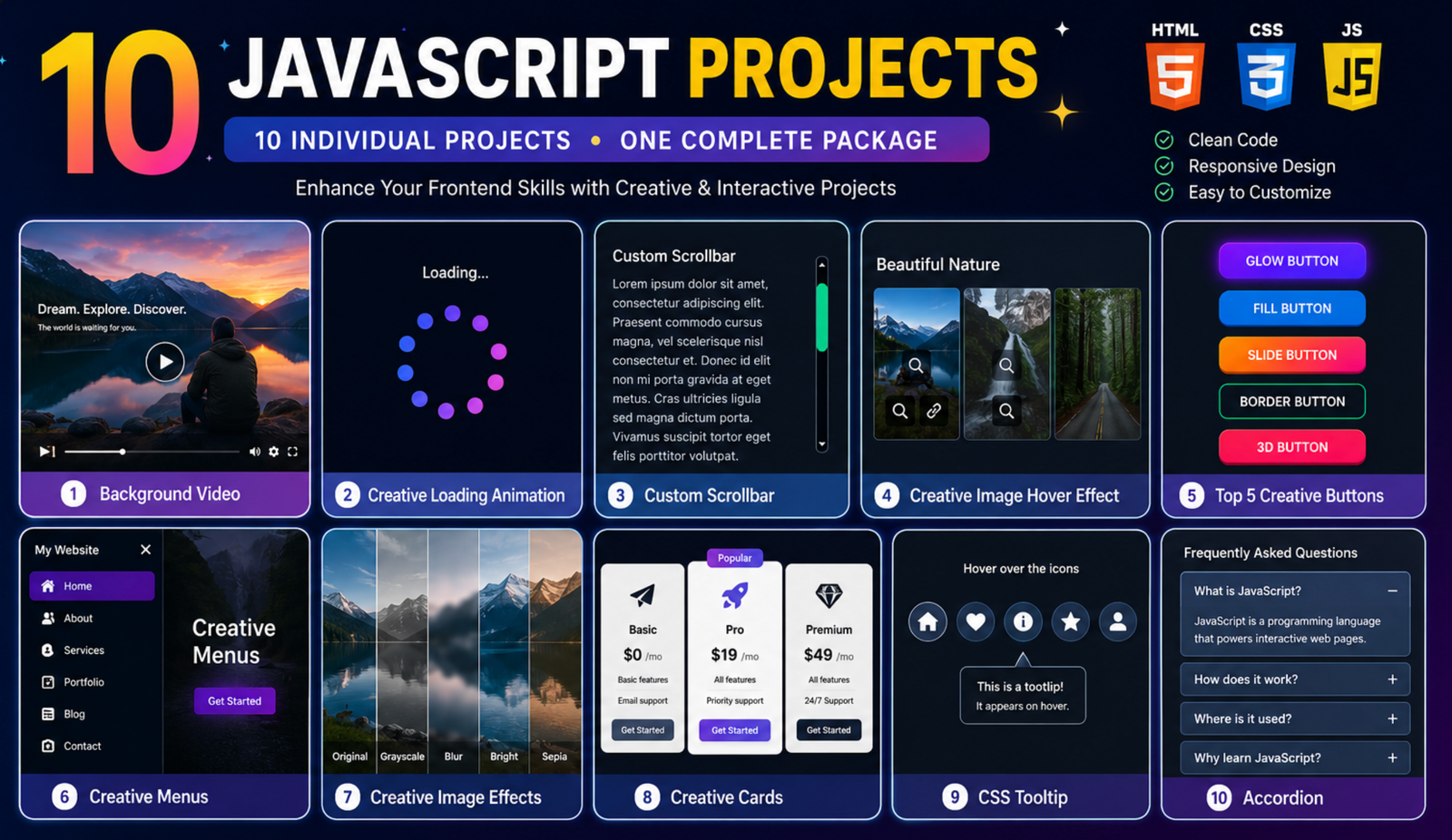
Javascript 10 Projects
This is a JavaScript project collection that includes 10 creative web projects: Background Video, Creative Lo...
₹480.00
₹590.00
Notes Website
The Online Notes Management System is a PHP and MySQL-based web application that allows users to securely cre...
₹126.00
₹157.00